April 25, 2026
Google Business Profile: The Free Tool Most Local Businesses Ignore
TL;DR
Your Google Business Profile is often the first thing a potential customer sees before they ever visit your website. Most local businesses set it up once and forget it, and that neglect costs them.
In This Article
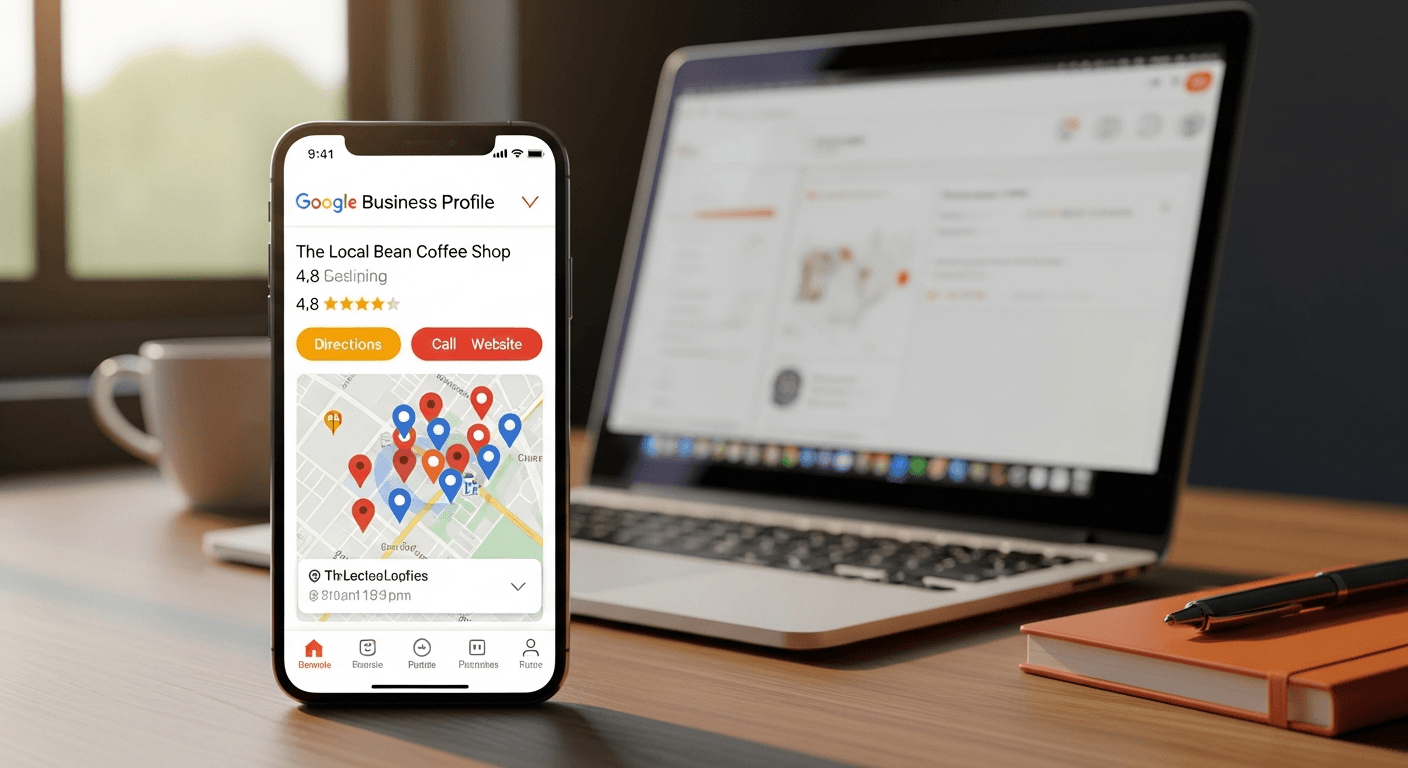
When someone searches for a local business, the first thing they see usually isn't a website. It's a map listing with a name, a star rating, a phone number, and a handful of photos. That listing is your Google Business Profile, and for many small businesses, it drives more first impressions than any other piece of marketing you own.
The strange part is how many business owners treat it as an afterthought. They claim the listing, fill in the basics, and move on. Then they wonder why the phone isn't ringing from local searches. A neglected Google Business Profile doesn't just miss opportunities. It actively signals to potential customers that a business might not be worth their time.
This guide covers what Google Business Profile is, why it matters for local search, how to optimize every section of it, and how it connects to your broader local SEO strategy.
What Is Google Business Profile?
Google Business Profile (formerly known as Google My Business) is a free tool that lets you manage how your business appears in Google Search and Google Maps. When someone searches your business name or a relevant local term, your profile can appear in the "local pack," the map-based results that show up near the top of the page.

Your profile includes your business name, address, phone number, hours, website link, photos, customer reviews, and more. Google pulls from this information to decide whether to show your business in local results and where to rank it among competitors.
Claiming and optimizing your Google Business Profile costs nothing. That's part of why it's so valuable for local businesses. A well-maintained profile competes directly with businesses spending money on paid advertising, simply because it shows up prominently in organic local results.
Why Google Business Profile Matters for Local Search
Local search is different from regular organic search. When someone types "plumber near me" or "coffee shop downtown," Google knows they want something nearby, and it prioritizes local results accordingly. The local pack (the three map listings that appear at the top of local search results) is prime real estate, and your Google Business Profile is what determines whether you appear there.
Studies consistently show that local pack listings receive a significant share of clicks for local searches, putting your profile in front of the most purchase-ready people in your area. If your profile isn't optimized or doesn't appear at all, you're invisible to those searchers.
Beyond visibility, your profile also builds credibility. A listing with dozens of positive reviews, current photos, and accurate information signals trustworthiness. A sparse listing with no reviews and an outdated phone number signals the opposite, even if your actual business is excellent.
Your Google Business Profile also feeds into the broader local SEO signals Google uses to rank businesses. Consistent, complete, and accurate profile information supports your overall local search performance across both the map pack and standard organic results. If you want to go deeper on local SEO strategy, our SEO services page covers how all of this fits together.
How to Optimize Every Section of Your Profile
Most business owners fill in the obvious fields and stop there. A fully optimized Google Business Profile goes further. Here's what to focus on in each section.
Business Name, Category, and Description
Use your actual business name, exactly as it appears everywhere else. Don't stuff keywords into your business name. Google considers this a violation of their guidelines and it can get your listing penalized or suspended.
Your primary business category matters more than most people realize. It's one of the strongest signals Google uses to determine which searches your business is relevant for. Choose the most specific category that accurately describes your business. If you run a pediatric dental practice, "Pediatric Dentist" is better than just "Dentist." You can add secondary categories too, but your primary category should be precise.
The business description gives you 750 characters to explain what you do and who you serve. Write it in plain language. Mention your services, your location, and what sets you apart. Include your target keywords naturally, but write for people first, not search engines.
Address, Service Area, and Contact Information
Your name, address, and phone number need to be accurate and consistent with what appears on your website and other directories. Inconsistencies confuse Google and can hurt your local rankings. This is called NAP consistency (Name, Address, Phone) and it's a foundational element of local SEO.
If you serve customers at their location rather than from a storefront, set up your service areas. Google allows you to list the cities, zip codes, or regions you serve. This helps you appear in searches from the communities you work in, even without a physical presence there.
Hours
Keep your hours current and accurate. If someone drives to your business because your listing said you were open, only to find a locked door, that's a bad experience that leads to a negative review. Update your hours for holidays, seasonal changes, or any temporary closures using the "Special hours" feature Google provides.
Photos and Videos
Listings with photos consistently outperform those without. Google's own data shows that businesses with photos receive more direction requests and website clicks than businesses without them.
Upload a clear, professional logo and a high-quality cover photo. Then add photos of your location, your team, your work, or your products. Aim for at least 10 photos to start, and continue adding new ones over time. Fresh photos signal to Google that your listing is being actively maintained.
For service businesses, before-and-after photos of completed projects are especially effective. They demonstrate quality without requiring a visitor to take your word for it.
Products and Services
If you offer specific products or services, list them in the dedicated Products and Services sections of your profile. Include descriptions and, where applicable, prices. This information can appear directly in search results and helps Google match your listing to more specific searches.
Google Business Profile Posts
Posts are one of the most underused features in Google Business Profile. You can publish updates, offers, events, and announcements directly to your listing, and they appear in your profile on Google Search and Maps.
Posting regularly does a few things. It keeps your profile active, which is a positive signal. It gives potential customers timely, relevant information. And it provides more content for Google to index and associate with your business.
Post at least twice a month. Share promotions, seasonal services, new offerings, or useful tips for your audience. Keep the copy clear and direct. Include a call to action and a link back to a relevant page on your website.
Getting and Managing Reviews
Reviews are one of the most influential ranking factors in local search and one of the most powerful trust signals for potential customers. Businesses with more reviews, and higher ratings, consistently appear more prominently in local results.
Free Offer
Want to know what's hurting your website?
We'll review your site and tell you exactly what to fix, no strings attached.
Get Your Free Audit
The most effective way to get more reviews is to ask for them. After completing a job or sale, follow up with a direct request. Make it easy by sharing your Google review link directly. You can find your review link in your Google Business Profile dashboard.
A few principles for building a strong review profile:
- Ask consistently. Don't ask only when you think the customer loved the experience. Ask every satisfied customer as a standard part of your process.
- Make it easy. Send a direct link. The fewer steps between your ask and their review, the higher your completion rate.
- Respond to every review. Thank customers who leave positive reviews. Respond professionally and constructively to negative ones. How you handle criticism publicly tells potential customers as much as the review itself.
- Never buy reviews or ask employees to post fake ones. Google detects suspicious review patterns, and consequences include listing suspension. It's not worth the risk.
If you have a backlog of satisfied customers who've never left a review, a targeted ask campaign can build your review count quickly. A simple text or email with your review link and a brief, genuine request is all it takes.
How Google Answers Questions About Your Business
Google retired the public Q&A section on Business Profiles at the end of 2025. In its place, Google now uses AI-generated answers powered by Gemini through a feature called Ask Maps. When someone asks a question about your business, Google pulls from your profile details, reviews, website content, and other public sources to generate a response automatically.
You can't directly control what the AI says, but you can influence it. Keep your profile thorough and accurate. Service descriptions, business hours, attributes, and product listings all feed into those AI answers. The same goes for your website content and the language customers use in their reviews. The more complete your profile, the better Google's AI can represent your business correctly.
Common Mistakes That Hurt Your Local Visibility
Even business owners who've claimed their profiles often make mistakes that limit their effectiveness. Here are the ones we see most often.
Ignoring the profile after the initial setup. An inactive listing performs worse over time. Google favours listings that show signs of ongoing management: new photos, regular posts, review responses, updated hours.
Mismatched NAP information. If your phone number on Google says one thing and your website says another, that inconsistency creates confusion for both Google and potential customers. Audit your business information across your website, Google profile, Yelp, Apple Maps, and any other directories where you're listed.
Choosing the wrong primary category. Too broad a category means you're competing against a much wider field. Too narrow and you miss relevant searches. Spend time researching what category the top-performing businesses in your area use.
Not using all available profile sections. Google keeps adding features to Business Profile, including products, services, attributes, and highlights. Businesses that use more of the available fields tend to appear more complete and authoritative.
Letting a suspended or flagged profile sit unresolved. If your listing gets flagged or suspended, address it immediately. A suspended profile is invisible in local search. Google provides a reinstatement process through their support system.
How Google Business Profile Connects to Broader Local SEO
Your Google Business Profile is a key component of local SEO, but it's not the whole picture. Google's local ranking algorithm factors in three main things: relevance (does your business match the search?), distance (how close are you to the searcher?), and prominence (how well-known and authoritative is your business?).

Your profile directly influences relevance through your category, description, and service listings. Prominence is shaped by the quality and quantity of your reviews, the number of local citations (mentions of your business on other sites), and the authority of your website. Distance is the one factor you can't control.
That means a strong Google Business Profile needs to be paired with:
- A well-optimized website with location-specific content
- Consistent business information across all major directories
- A steady stream of genuine customer reviews
- Locally relevant backlinks from other reputable sites
If you want help building a complete local SEO strategy that includes your Google Business Profile alongside your website and off-site presence, a free website audit is a good starting point. It gives us a clear picture of where you stand and what's worth prioritizing.
Frequently Asked Questions
Is Google Business Profile really free?
Yes, claiming and managing a Google Business Profile is completely free. You don't need a Google Ads account or any paid Google service to use it. The only investment is the time it takes to set it up properly and maintain it over time.
How long does it take to see results from optimizing my profile?
It varies depending on your market, your competition, and how much optimization your profile needed. Some businesses see improvement in local rankings within a few weeks of making significant updates. For more competitive markets, meaningful visibility improvements can take two to four months of consistent effort. Reviews accumulate over time, and their impact on rankings builds gradually.
What should I do if there's a duplicate listing for my business?
Duplicate listings dilute your review count and confuse Google about which listing to show. If you find duplicates, you can request to remove or merge them through Google Business Profile support. Consolidating everything to a single, complete listing is the right move.
How does Google Business Profile work with my website's SEO?
They reinforce each other. Your Google Business Profile links to your website, which sends traffic and signals to Google that the profile is associated with an active web presence. Your website's local SEO (location pages, service area content, schema markup) supports the relevance signals in your profile. Neither one alone is as effective as both working together. If your website's local SEO needs attention, our SEO services address both the on-site and off-site factors that drive local visibility.