October 25, 2024
How to Secure a WordPress Site on Cloudways (Bot Protection + 2FA)

TL;DR
WordPress is a constant target. Here's how to lock down a Cloudways-hosted site with bot protection, 2FA, and a few high-impact settings most people miss.
In This Article
Why Security Matters: More Than Just a Tech Concern
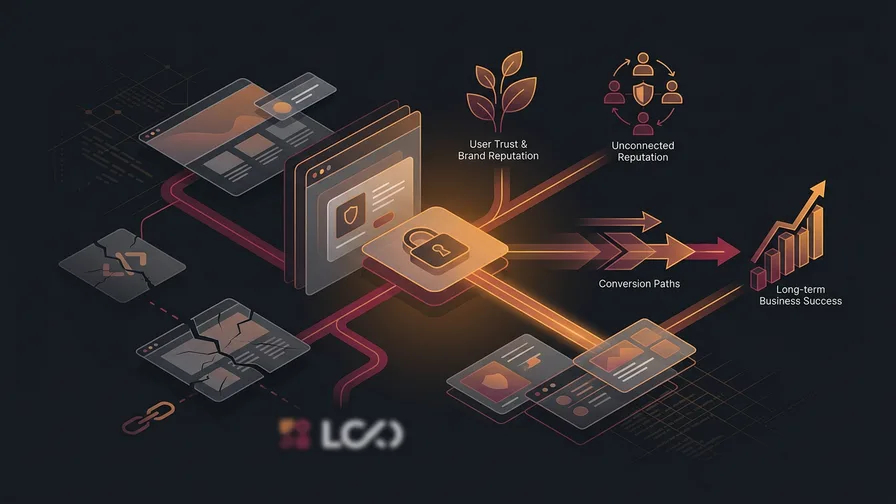
A hacked website isn’t just a tech headache; it’s a full-blown business crisis. You’re not just risking data - your reputation is on the line too. We’ve met clients who learned this the hard way, realizing that even a small breach can snowball into a major problem. Don’t wait until it’s too late to tighten up your security.
1. Keep WordPress Core, Plugins, and Themes Updated (Highest Impact)
Let’s be real - updates aren’t exciting, but they’re essential. Skipping updates is like leaving the keys in your car. Developers are constantly patching vulnerabilities, so staying current is one of the easiest ways to keep your site secure.
For Cloudways users:
- Test updates safely in Cloudways’ staging environment. It’s a chance to make sure everything works before pushing changes live.
- Schedule automatic backups to cover your bases. If anything goes wrong, you’ve got a safety net.
- Use Cloudways’ automatic plugin updates for less crucial plugins - no need to micromanage every update.
If you’re not on Cloudways:
- Always back up your site first, whether through your host or a plugin.
- Use tools like WP Staging if you don’t have a dedicated testing space.
2. Choose a Secure Hosting Provider with Advanced Features
Not all hosts are created equal. A good host offers more than just storage - it’s your first line of defense. See what to look for in managed web hosting:
- Cloudways comes equipped with SSL certificates, built-in firewalls, and bot protection. It’s why so many of our clients make the switch.
- On another platform? Look for a host known for strong security, responsive support, and a track record of reliability.
We had one client move to Cloudways after a near-miss with data loss on a cheaper provider. It was a game-changer for them.
3. Automate Backups to Protect Your Data
Think of backups like the spare tire in your car - hopefully, you never need it, but you’ll be grateful if you do. We’ve seen firsthand how a quick restore can save hours (or days) of stress:
- Cloudways makes backups easy - schedule them daily, weekly, or even hourly if needed.
- Don’t forget about off-site backups for an extra layer of protection.
4. Use a Web Application Firewall (WAF) and Cloudways Malware Protection
A Web Application Firewall (WAF) acts like a bouncer, keeping the riff-raff out before they get close. It’s essential for anyone handling sensitive customer data:
- Cloudways Malware Protection scans for threats around the clock, stopping them before they cause damage.
- The platform’s integration with Cloudflare Enterprise provides enterprise-level security without the high price tag. This means faster loading times and tighter security.
- With Cloudways’ one-click malware removal, you don’t have to scramble if something goes wrong.
Picture this: your site gets a sudden spike in sketchy traffic. A WAF blocks the bad actors, while Cloudways’ malware protection sniffs out any weaknesses, and Cloudflare smooths out the visitor experience. It’s a solid security trifecta.
For other hosts, security plugins like Wordfence or MalCare are reliable alternatives. A WAF at the DNS level can help keep attackers at bay.
5. Implement a Strong Content Security Policy (CSP)
A Content Security Policy (CSP) is like giving your site a dress code - only trusted sources are allowed to load content:
- Cloudways makes adding a CSP simple through server configurations or
.htaccess. - Use “report-only” mode to see what would be blocked without actually enforcing anything. Once you’re confident, switch to enforce mode.
- Tools like CSP Evaluator can help you make sure nothing slips through the cracks.
For those on other platforms, plugins like HTTP Headers can help implement a CSP without diving deep into code.
6. Enforce Strong Passwords and Two-Factor Authentication (2FA)
You wouldn’t use “password123,” would you? Yet, weak passwords are still a top cause of breaches:
- Make sure passwords are long, unique, and complex - no dictionary words allowed.
- Enable Two-Factor Authentication (2FA) to add an extra barrier. Cloudways and other platforms make this easy.
One client learned the hard way after a simple password led to a breach. Now, they’re all about strong passwords and 2FA.
7. Restrict Admin Access and Use IP Whitelisting
How many people really need full access to your site? The answer is: not many.
- Cloudways offers IP whitelisting so only approved addresses can log in.
- Ditch the default ‘admin’ username - it’s the first target for attackers.
We helped a client tighten up their admin access, and it instantly reduced the number of suspicious login attempts.
Free Offer
Want to know what's actually hurting your website?
We'll review your site and tell you exactly what to fix, no strings attached.
Get Your Free Audit8. Disable File Editing in the WordPress Dashboard
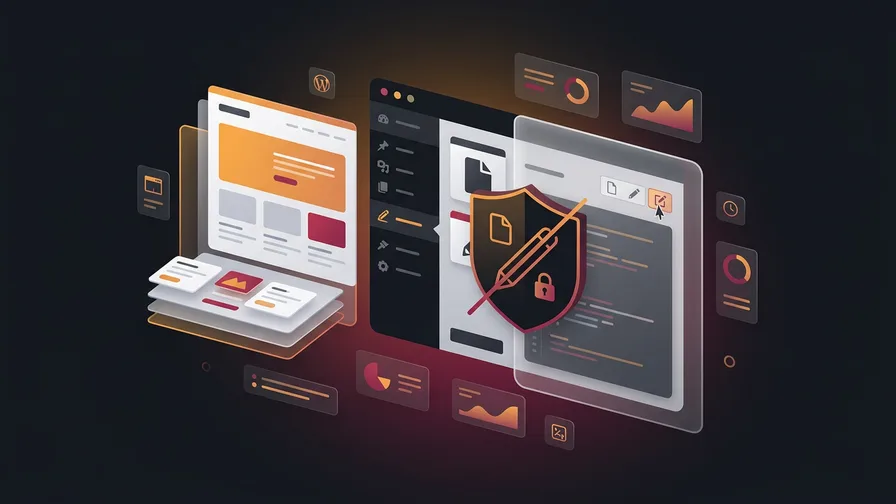
WordPress’s file editor is handy but dangerous if it falls into the wrong hands:
- Add
define('DISALLOW_FILE_EDIT', true);to yourwp-config.phpfile to prevent file edits through the dashboard. - Use FTP or a secure file manager for changes. It’s a bit more effort, but way safer.
9. Optimize Login Security with Login Limits and CAPTCHAs
Brute force attacks are like trying to crack a safe by guessing the code over and over. Let’s stop them in their tracks:
- Set login limits using plugins to cap the number of failed attempts.
- Use CAPTCHAs to weed out bots - Cloudways and other platforms make this a breeze.
We’ve seen clients cut down on attacks drastically just by adding a simple CAPTCHA to their login page.
10. Monitor Your Site with Security Plugins
Think of a good security plugin as your digital watchdog:
- Wordfence and iThemes Security are great options for real-time monitoring and blocking threats.
- Keep an eye on your security dashboard. If something feels off, it probably is.
11. Perform Regular Security Audits and Check User Roles
Treat security audits like routine maintenance - they’re not glamorous, but they’re necessary. Pairing audits with ongoing website maintenance is the most reliable way to stay ahead of vulnerabilities:
- Do a quarterly review of user roles, permissions, and security settings.
- Tools like Sucuri SiteCheck can help you identify vulnerabilities before they become bigger issues.
One of our clients was shocked to find outdated permissions from years ago, leaving them exposed. A simple audit closed those gaps.
Additional Advanced Tips for WordPress Security
Looking for extra credit? Here are a few bonus tips:
- Hide Your WordPress Version: It makes it harder for attackers to exploit known vulnerabilities.
- Use a Custom Login URL: A small change, but it can keep bots from targeting your login page.
- Limit Plugin Use: Stick to high-quality, well-maintained plugins.
- Train Your Team: Even the best security plan won’t work if your team doesn’t follow it.
Need Expert Help Securing Your WordPress Website?
At CSP Marketing Solutions, we’ve seen it all - breaches, data recovery, and everything in between. Whether you’re hosting on Cloudways or another platform, we can help you fortify your WordPress site. Don’t leave your site’s safety to chance. Contact Us today for a tailored security plan.
Frequently Asked Questions
How often should I update WordPress core, plugins, and themes?
As soon as updates are available. Security patches are often released in response to known vulnerabilities that attackers are already trying to exploit. Waiting even a few days after a security release increases your risk. Use a staging environment to test updates before pushing them live.
Is Cloudways more secure than shared hosting?
Generally, yes. Cloudways runs on managed cloud infrastructure with built-in firewalls, automated backups, and Cloudflare enterprise integration. Shared hosting puts your site on the same server as hundreds of others, which means a breach on any one site can affect yours. The architecture is fundamentally different.
What is the single most impactful security step for a WordPress site?
Keeping everything updated is the highest-impact action you can take. The majority of WordPress hacks exploit known vulnerabilities in outdated plugins, themes, or core files. Strong passwords and two-factor authentication are close seconds.
Do I need a security plugin if I'm already on Cloudways?
Cloudways provides server-level security, but a plugin like Wordfence adds application-level monitoring that catches threats specific to WordPress itself. Using both together gives you broader coverage: the host protects the server, the plugin protects your WordPress installation.

If you're not confident your WordPress site is locked down properly, request a free audit. We'll check your security setup alongside your site's overall performance and flag anything that needs attention.