February 3, 2026
Restaurant Website Design: What Customers Look for Before They Book
TL;DR
Most diners check a restaurant's website before deciding where to go. Here's what they're looking for and what's costing you tables when it's missing.
In This Article
Most people decide where to eat before they leave the house. OpenTable's research found that 86% of diners check menus online before dining out, and a 2024 survey by Owner.com found 72% specifically visit the restaurant's own website before deciding whether to go. If your website makes any part of that decision harder, you're losing tables to the restaurant down the street with a better-designed page.
This is what restaurant customers are actually looking for, and what you need to get right.
An Accessible, Readable Menu
This is the single most important element on a restaurant website. People land on your site to answer one question: "What do you serve and what does it cost?" Make that easy to answer.
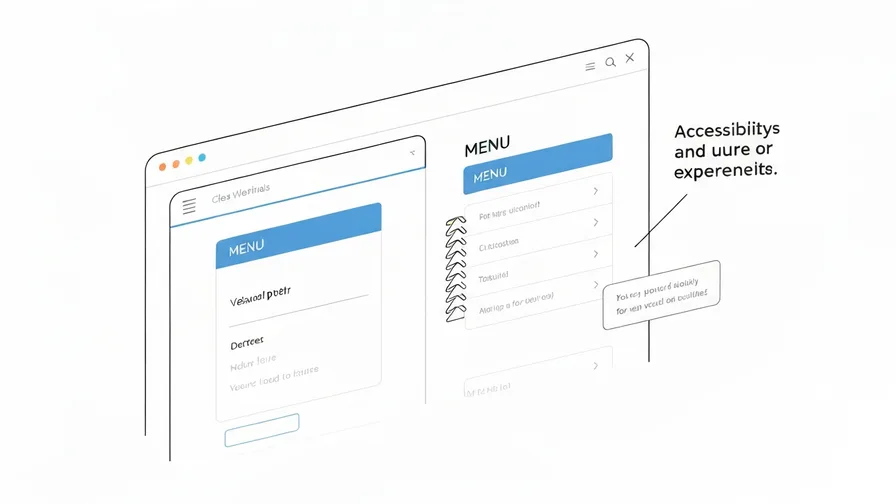
The most common mistake: posting the menu as a PDF. PDFs are frustrating on mobile (tiny text, pinch-to-zoom, no search), they don't render reliably across devices, and search engines treat them as secondary content compared to regular HTML text. A PDF menu won't carry the same SEO weight as on-page text, so you're less likely to rank for searches like "pasta restaurant Hamilton" or "best vegan brunch Toronto."
The fix is to publish your menu as actual text on the page. It doesn't need to be fancy. A clean layout with section headings, item names, descriptions, and prices is everything a customer needs. Update it whenever prices or items change. Stale menus with wrong prices erode trust the moment someone arrives at the restaurant.
Your Hours and Location, Clearly Displayed
Nothing sends a potential customer to a competitor faster than having to hunt for basic information. Your address and hours should be visible on every page, ideally in the footer, and should be formatted in a way that lets mobile browsers auto-detect and open them in maps with a tap.
A few things to nail down:
- Mark holiday hours or seasonal closures clearly when they apply. Showing up to a closed restaurant because the website wasn't updated is a trust-damaging experience.
- Embed a Google Map widget on your contact or location page. Customers tapping from their phone expect it.
- Keep your Google Business Profile hours in sync with your website. Inconsistencies between the two erode both trust and local search rankings.
Online Reservation or Booking Options
According to Toast's 2024 survey of 850 U.S. diners, 65% of people who book reservations prefer to do it directly on the restaurant's own website, not a third-party platform. If your site doesn't offer online booking, you're redirecting that intent somewhere else, usually OpenTable or Resy, where you're competing against every other restaurant in the area.
You don't need a complex integration. Even a simple embedded booking widget from your existing reservation system covers most cases. The goal is to keep the customer on your site long enough to confirm their table without picking up the phone.
For restaurants that don't take reservations, a clear "walk-ins welcome" statement with wait time expectations during peak hours does real work. Customers are asking the same question either way: "Can I get in tonight?"
Photos That Show What Eating There Actually Feels Like
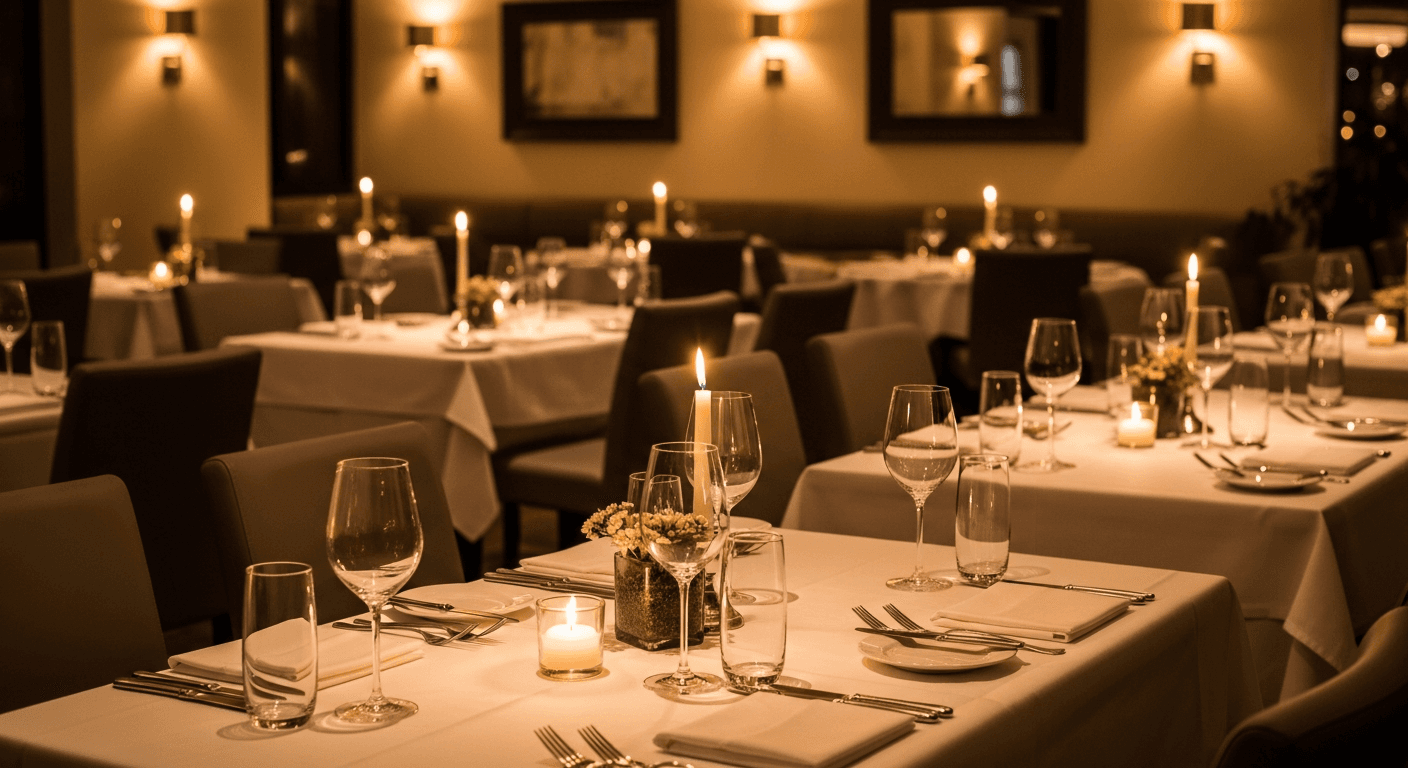
Stock photography of generic food does nothing for a restaurant website. Customers deciding between you and the place next door want to see your specific dishes, your dining room, and what the experience looks like. Authentic photos outperform generic ones on conversion every time.
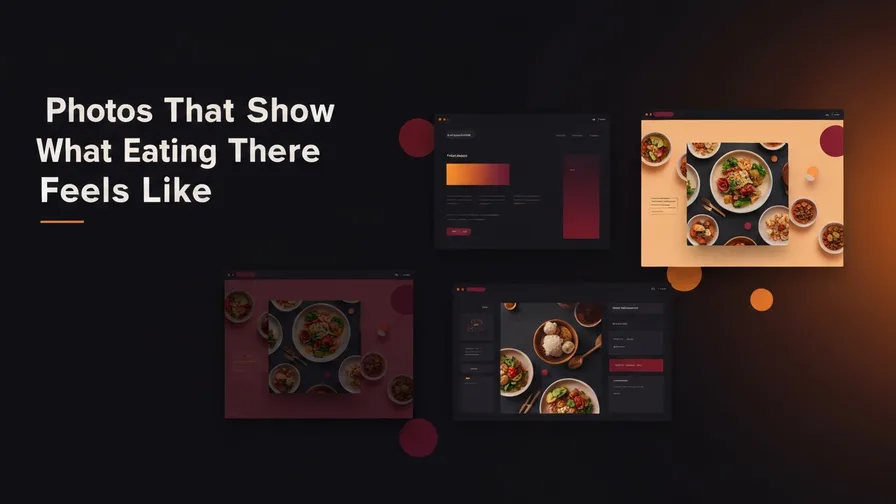
The minimum you need:
Free Offer
Want to know what's actually hurting your website?
We'll review your site and tell you exactly what to fix, no strings attached.
Get Your Free Audit- 5 to 10 food photos of actual menu items, well-lit
- 2 to 3 photos of the interior (a full dining room looks more inviting than an empty one)
- An exterior photo, ideally showing signage, so people recognize the building when they arrive
A professional photographer is worth the cost for a restaurant. Your food is the product. How it looks online directly influences whether people decide to try it.
Fast Load Times on Mobile
Restaurant searches are high-intent and often happening on the go. Someone nearby is hungry, searching "restaurants near me," and your site has a few seconds to load before they move on. Large unoptimized images are the most common cause of slow restaurant websites.
A few practical points:
- Compress all images before uploading. A 4MB food photo is not necessary. 150-300KB at proper resolution is fine for web.
- Avoid autoplay video on mobile. It burns data, slows load times, and often doesn't work the way the designer intended on phones.
- Test your site from a phone on a real mobile connection, not just desktop preview in a browser. What looks fine on desktop can be unusable on mobile.
If your website scores poorly on Google's Core Web Vitals, it affects both load experience and local search rankings. Google ranks faster sites above slower ones when content and relevance are otherwise similar.
Social Proof Near the Decision Point
Google Reviews, Yelp ratings, or a curated testimonial section pull weight on restaurant websites in a way that applies to almost no other industry. Dining out is an experience purchase. People are more willing to try somewhere new when they can read that others liked it.
The placement matters. Reviews embedded on the homepage or near the reservation CTA do more work than reviews buried on a separate testimonials page. A widget pulling in your live Google rating takes minutes to set up and updates automatically as new reviews come in.
A Clear, Low-Friction Call to Action
Your website has one job: get the person to make a reservation, place an order, or get directions. Every page should have a clear button that moves toward one of those outcomes. "Book a Table," "Order Online," and "Get Directions" are all fine. The problem is when the site has no clear next step, or buries the reservation link three clicks deep.
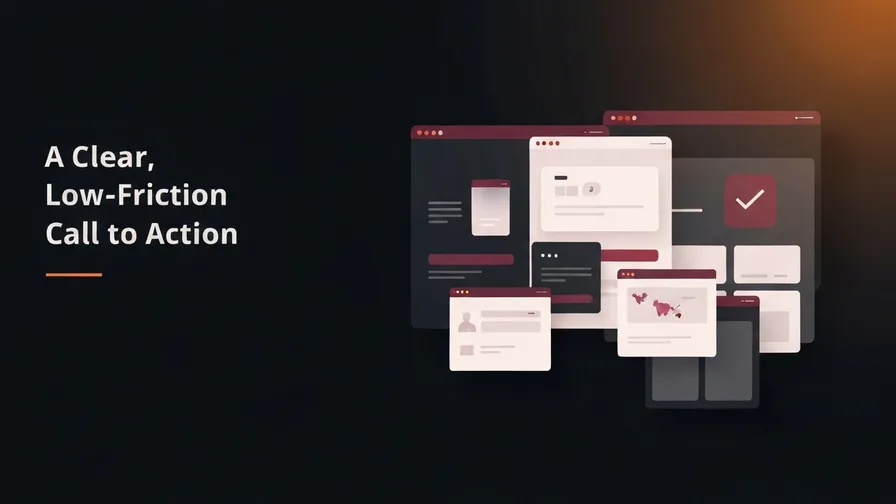
The CTA should be visible without scrolling on desktop and on mobile. If a customer lands on your homepage and can't find a way to book within five seconds, most of them won't bother looking for it.
Frequently Asked Questions
Should a restaurant website have an online ordering integration?
If you do takeout or delivery, yes. Handling orders through your own website costs less per order than a third-party delivery app. Even a basic integration with a platform like Toast or Square lets you capture direct orders without paying commission fees to DoorDash or Uber Eats on every transaction.
How often should a restaurant update its website?
Any time the menu changes, prices change, or hours change. At minimum, do a full review quarterly. Outdated menus and wrong hours are the two most common trust-breaking elements on restaurant websites, and both are easy to fix if you have a site that makes updating content straightforward.
Does a restaurant need a separate mobile app?
Almost certainly not. A well-built, mobile-optimized website covers nearly everything a restaurant app does without requiring the customer to download anything. Apps make sense for large chains with loyalty programs. For independent restaurants, a great website is the right investment.
If you're not sure what's holding your restaurant's website back, our free website audit covers load speed, mobile usability, and local SEO issues with specific recommendations you can act on.